
Prepare one consistent source
Select or upload your model and adjust the crop, then add up to five garment references or describe an outfit. Use the same item’s front and detail photos; conflicting garments can produce mixed results.
Create AI product photography for clothing with the same selected or uploaded model and outfit. Generate a 3-photo set in one scene: front, three-quarter and a third pose, for 3 credits.
JPG, PNG or WebP · Up to 10 MB · No credits to upload
0 / 5 photos
Your 3-photo set
Front view
Three-quarter
Walking
Same model, outfit references and scene in all three shots. Upper-body sets use a hand-on-hip pose instead of walking.
Preset cards are pose and scene illustrations, not generated samples.
Upload a model photo or choose a model and your photo settings. Your generated photos will appear here.
Review identity, garment color, prints, logos, anatomy and crop before publishing. AI results can vary and do not verify sizing or fit.
Real tool output · AI-generated examples
These three photos were generated from the same Ava virtual model and navy dress reference, using full-body framing and White studio. Each request starts from those two inputs. The actual 2K downloads are 1686 × 2528 pixels each; these web previews show the full images.
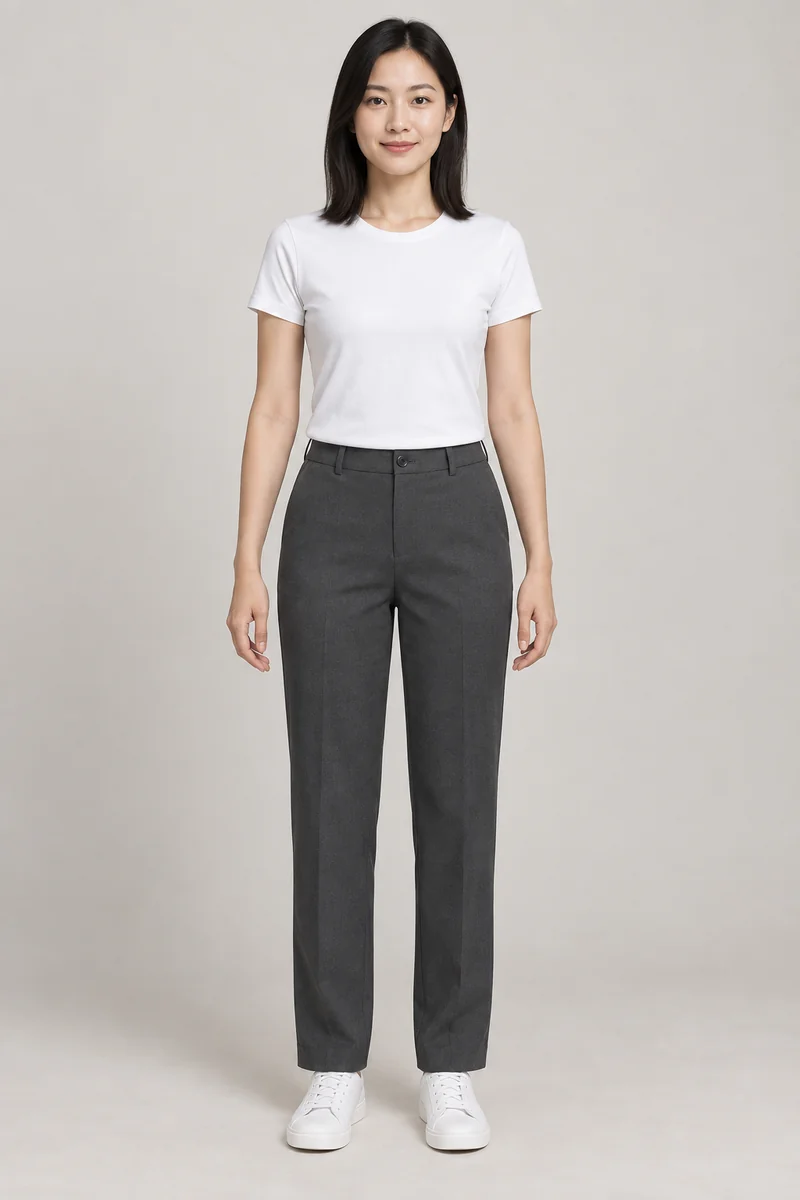
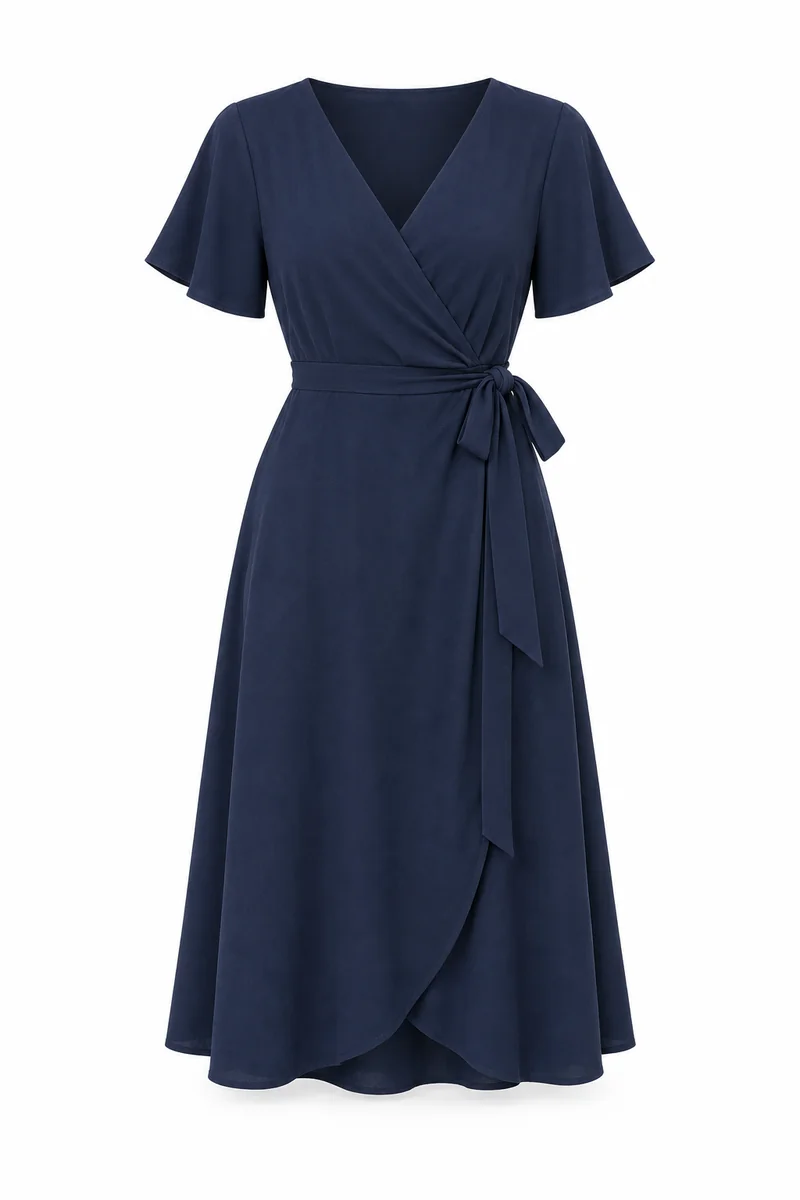
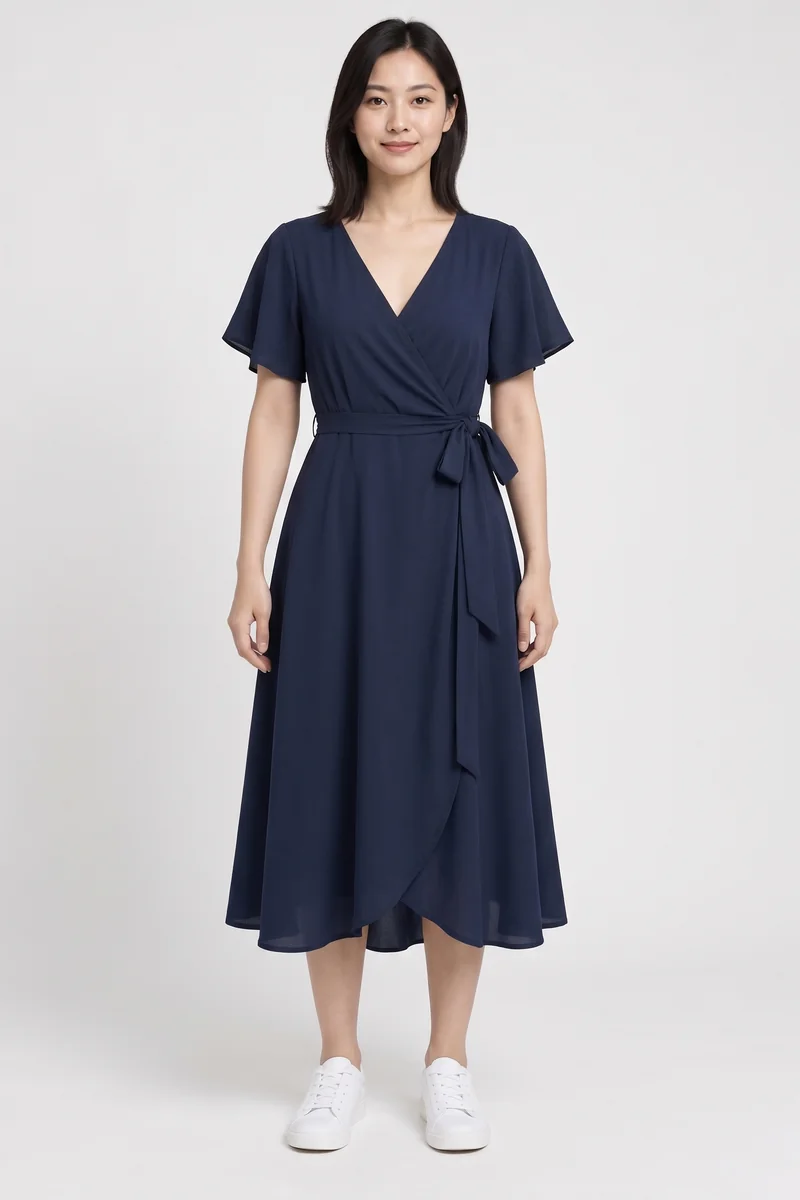
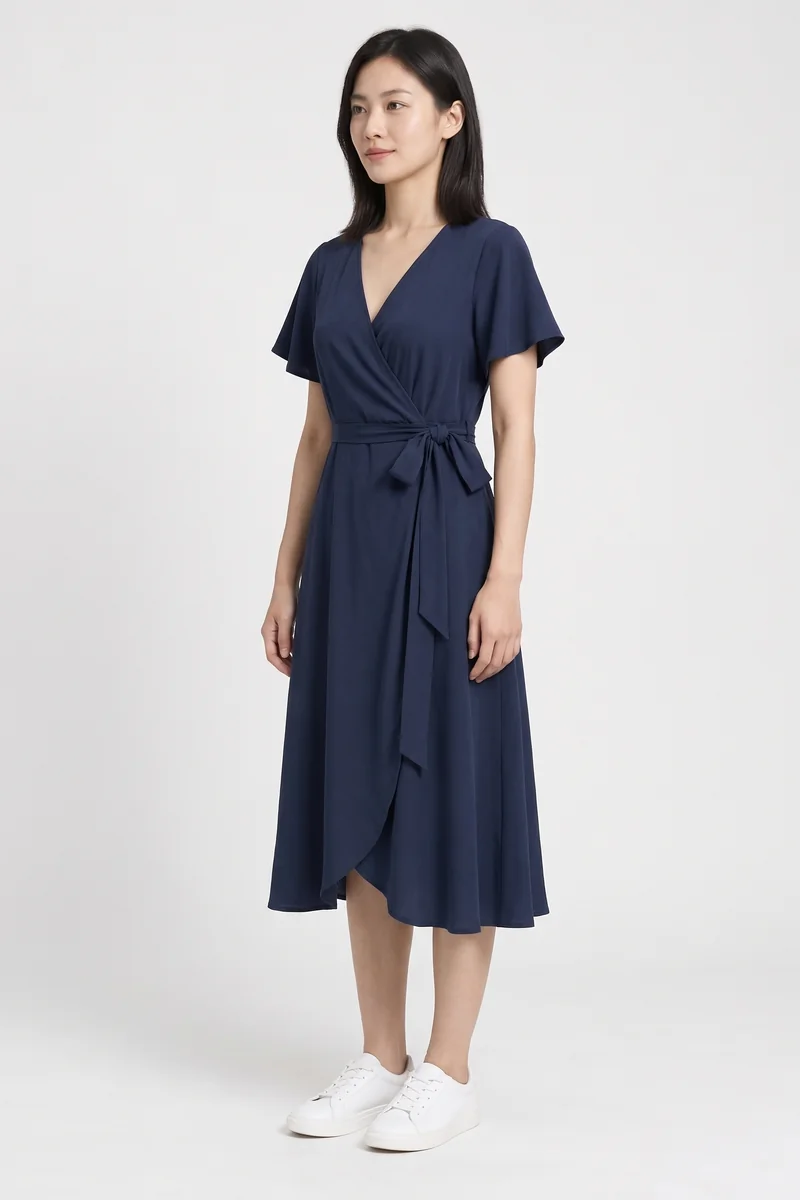
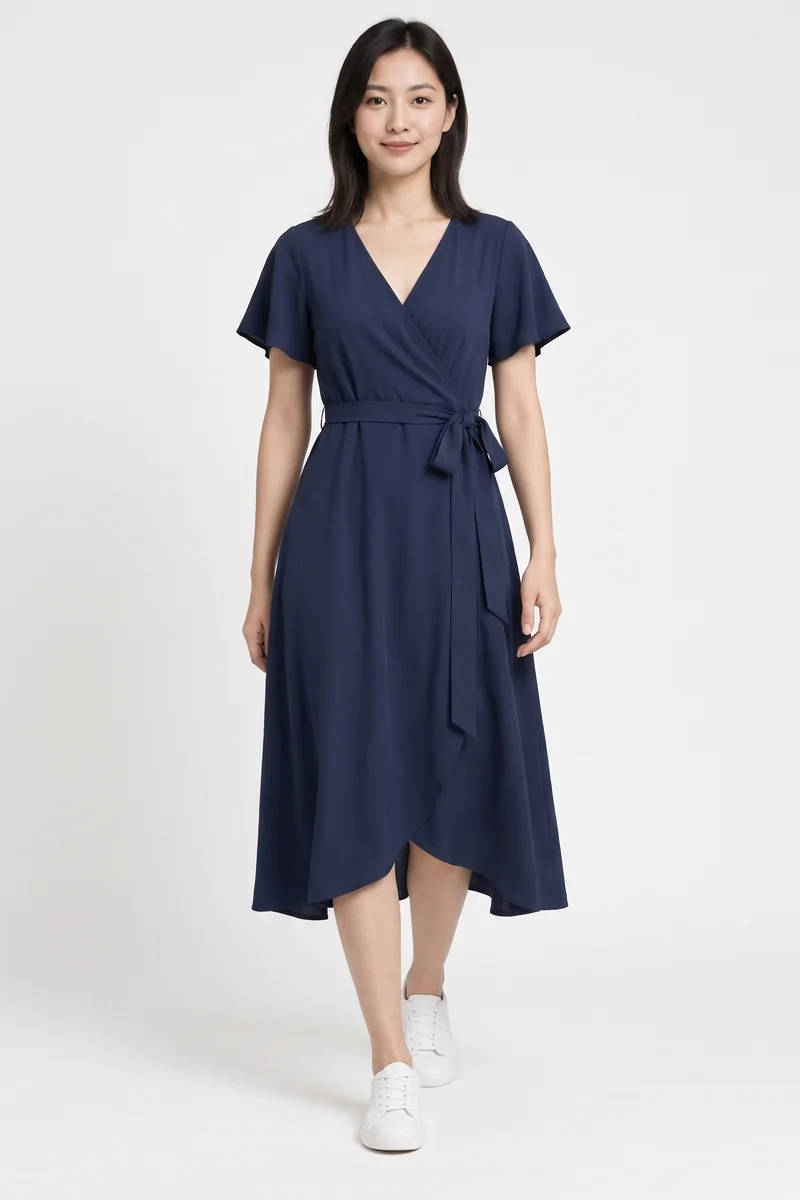
The navy color, V-neck, short sleeves and wrap silhouette remain recognizable across the set. The waist knot, fabric folds and hem vary between results. Compare every view against your garment, especially prints, logos and construction; these images do not verify sizing or fit.
Create a 3-photo clothing setSelect or upload your model and adjust the crop, then add up to five garment references or describe an outfit. Use the same item’s front and detail photos; conflicting garments can produce mixed results.
The set uses front, three-quarter and walking poses. Upper-body sets use hand-on-hip for the third shot. Every image starts from the same source model and outfit references rather than the previous generated image.
Each photo has its own status. Stop remaining photos if the first result needs adjustment. Select usable results for a ZIP or download them individually. Check colors, logos and silhouette against the actual product.
No. A set makes three views of one outfit on the same selected or uploaded model. For multiple garment-only images, use Batch Ghost Mannequin.
Successful photos remain downloadable. Each confirmed failed photo refunds one credit. Retry only that photo, or start a photo that was stopped before generation.
Stopping prevents the next photo from starting. The current request can still finish and use one credit. A photo that never starts uses no credit; a confirmed failed request is refunded.