
Step 1
Choose a model
Choose a model with full-body, upper-body, or lower-body framing, or create a virtual adult model.
AI Virtual Try-On for your store or your next look. Upload clothing photos or describe an outfit to see it on a model.
0 / 5 photos
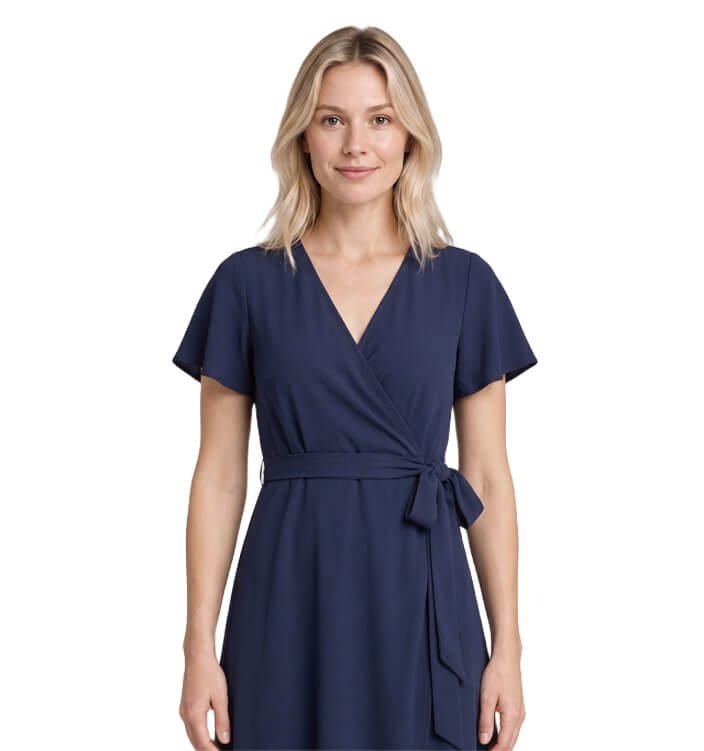
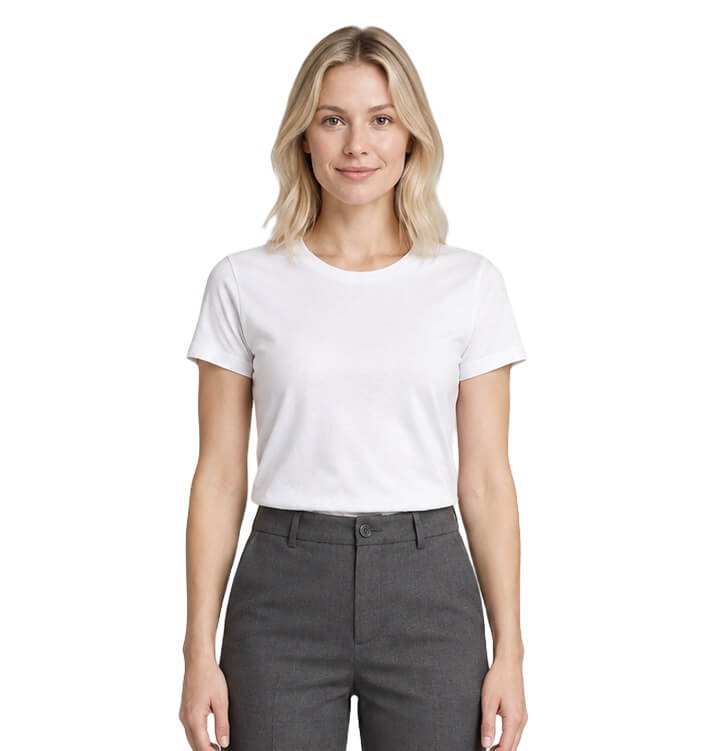
Only upload authorized adult photos. Photos of other people without their explicit permission, celebrities, or anyone under 18 are prohibited. No NSFW, nude, sexually suggestive, or harmful uses.
Fashion Model Clothes Swap
Turn your garment photos into model images. Try a single item or style a complete outfit using up to 5 clothing references. Made for boutiques, apparel brands, and online sellers.
How It Works
Step 1
Choose a model with full-body, upper-body, or lower-body framing, or create a virtual adult model.
Step 2
Upload up to 5 clothing photos, or choose Describe an outfit and write the look you want.
Step 3
Create your image, check the clothing details, and download the result.
Made for clothing sellers
Show how an item looks on a model alongside your product and detail photos.
Pair tops, bottoms, and layers from your range to build looks for your next collection.
Explore fresh outfit ideas for seasonal lookbooks, launch announcements, and social content.
Choose a virtual model to explore everyday outfits, plan an occasion look, or try different clothing combinations before deciding what to wear.
More tools for your clothing store
Prepare the other images your store needs, all in one place.
Show the garment on its own
Create a garment-only product image with an invisible mannequin effect.
Create a ghost mannequin imageClean up distracting creases
Tidy unwanted creases in clothing photos for a cleaner product presentation.
Open the wrinkle removerSeparate the product from its background
Turn your product photo into a cutout for your store or design projects.
Remove an image backgroundFAQ
It changes the outfit in a person’s photo using clothing reference images. Clothing sellers can use it to create virtual try-on previews for product pages, lookbooks, and social content.
Flat-lay, hanger, mannequin, and model photos all work as references. Use a clear, well-lit image with the whole garment visible. JPG, PNG, and WebP files are supported, up to 10 MB each.
Yes, up to 5 images for one result. Add detail views of the same item or combine pieces such as a shirt and trousers. Click the clothing preview or drag in more photos to add them.
No. Choose one of our adult models or create a virtual adult model. You can reuse a model across your collection. Uploading person photos is not supported.
The AI aims to keep the person recognizable and follow your garment references. Details can vary, so check colors, prints, logos, and garment shape before publishing. Virtual try-on does not confirm size or fit.
Each generation costs 1 credit and creates one image. Sign in, choose your model and clothing, then generate.
Choose a model, add your garment photos, and create an on-model preview.
Create a product preview